Start and stop
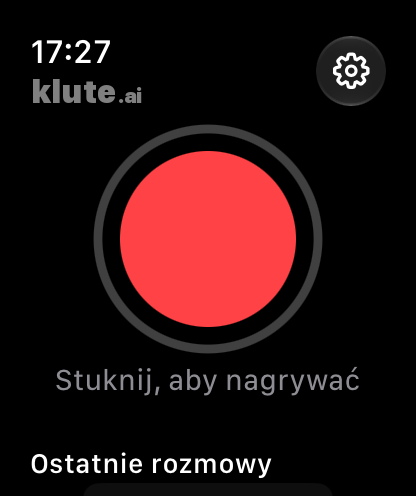
- Open klute.ai on your watch or use the recording complication on the watch face.
- Tap the red button. Recording works without your phone nearby, with the screen off and without internet.
- Mark important moments as you record. When you’re finished, tap Stop.
The recording transfers to iPhone
When the watch reconnects to your iPhone, it transfers the recording to the phone. Your privacy settings determine where it is processed. Once ready, you can read the result on your watch too.
If the recording is waiting to transfer, bring your iPhone close and open klute.ai on both devices.
Using your watch as a microphone for a phone call
Put your phone on speaker and let the other person know you are recording. The watch microphone picks up sound around you, including the other voice from the phone speaker.
After a phone call, your watch keeps recording and your iPhone joins the parts into one conversation.
When speaker recognition matters
For important meetings, the guide recommends placing your iPhone on the table: it distinguishes voices better than a watch worn on your wrist. Apple Watch is especially useful for quick notes and conversations on the go.