An idea won’t wait.
Your recording needn’t either.
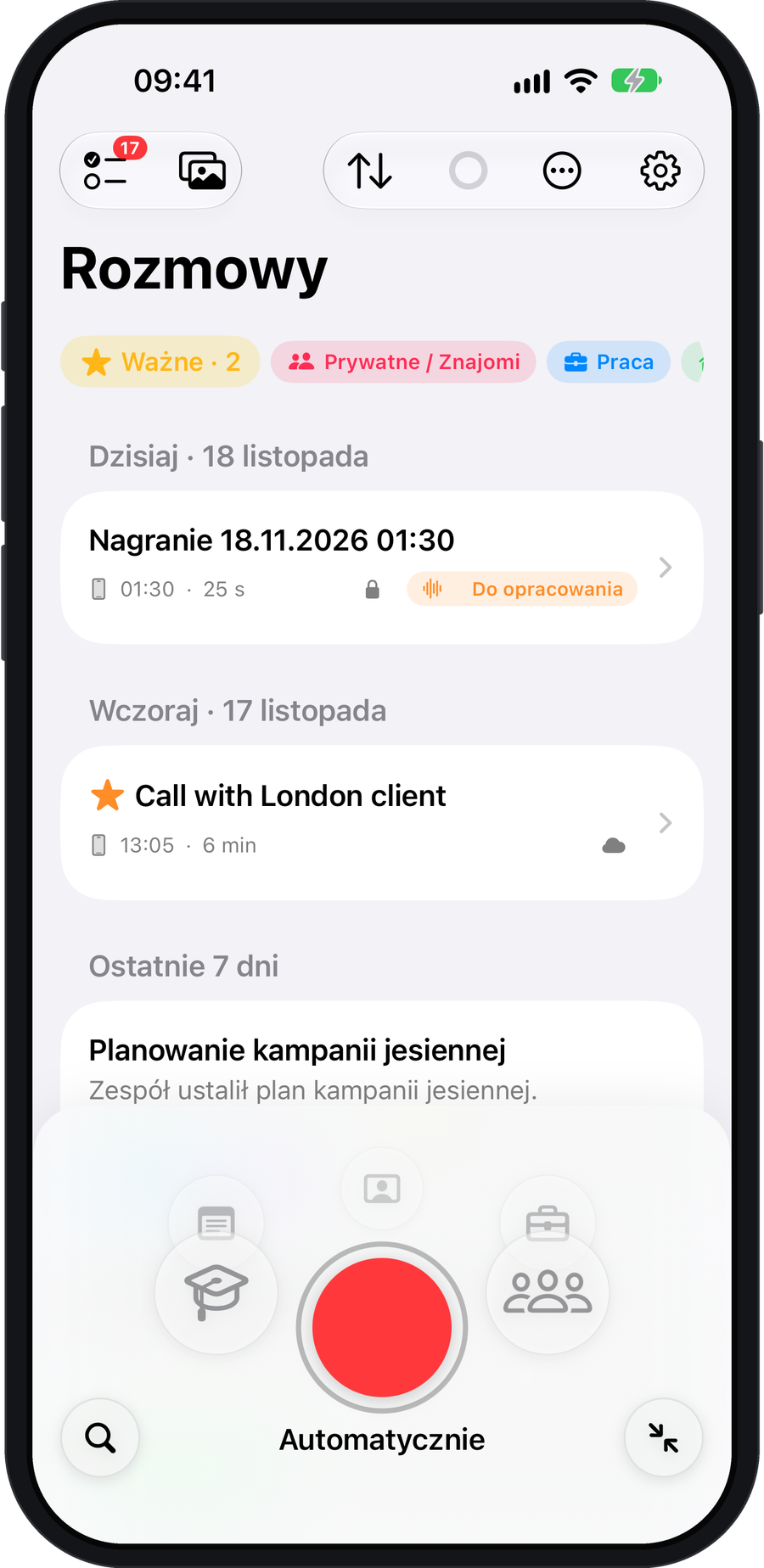
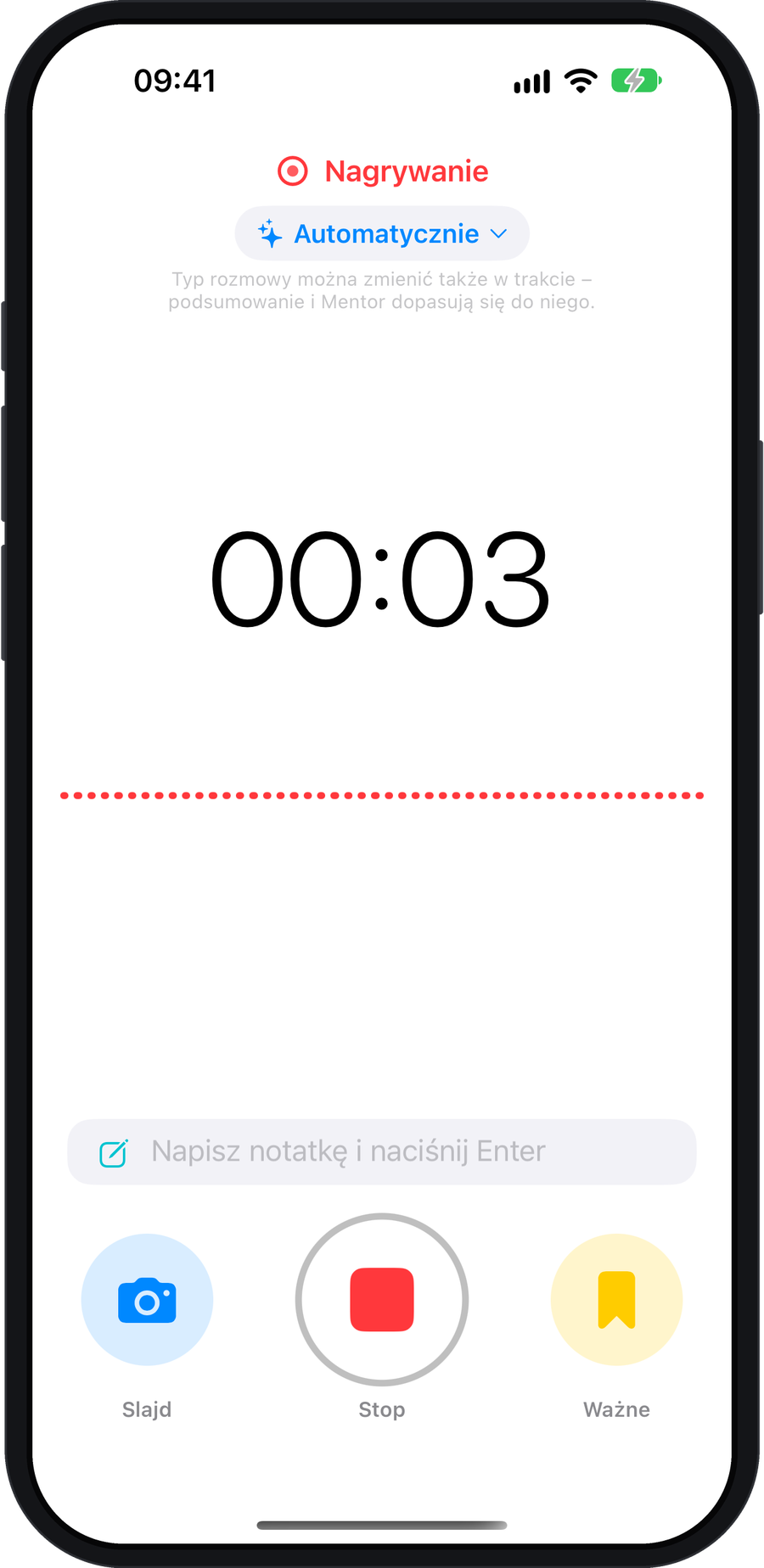
Start quickly with the Action button, Siri or Control Centre. Availability depends on your device and setup.
Recording on iPhoneYou’re recording.
Full attention.
klute.ai · iPhone, Apple Watch and Mac
Record on iPhone, Apple Watch or Mac. AI summarises the conversation, and when you ask, Mentor offers tips for next time.
One recording. A clear plan.
And a chance to say it
even better next time.
iPhone on the table or Apple Watch on your wrist. Focus on the conversation.
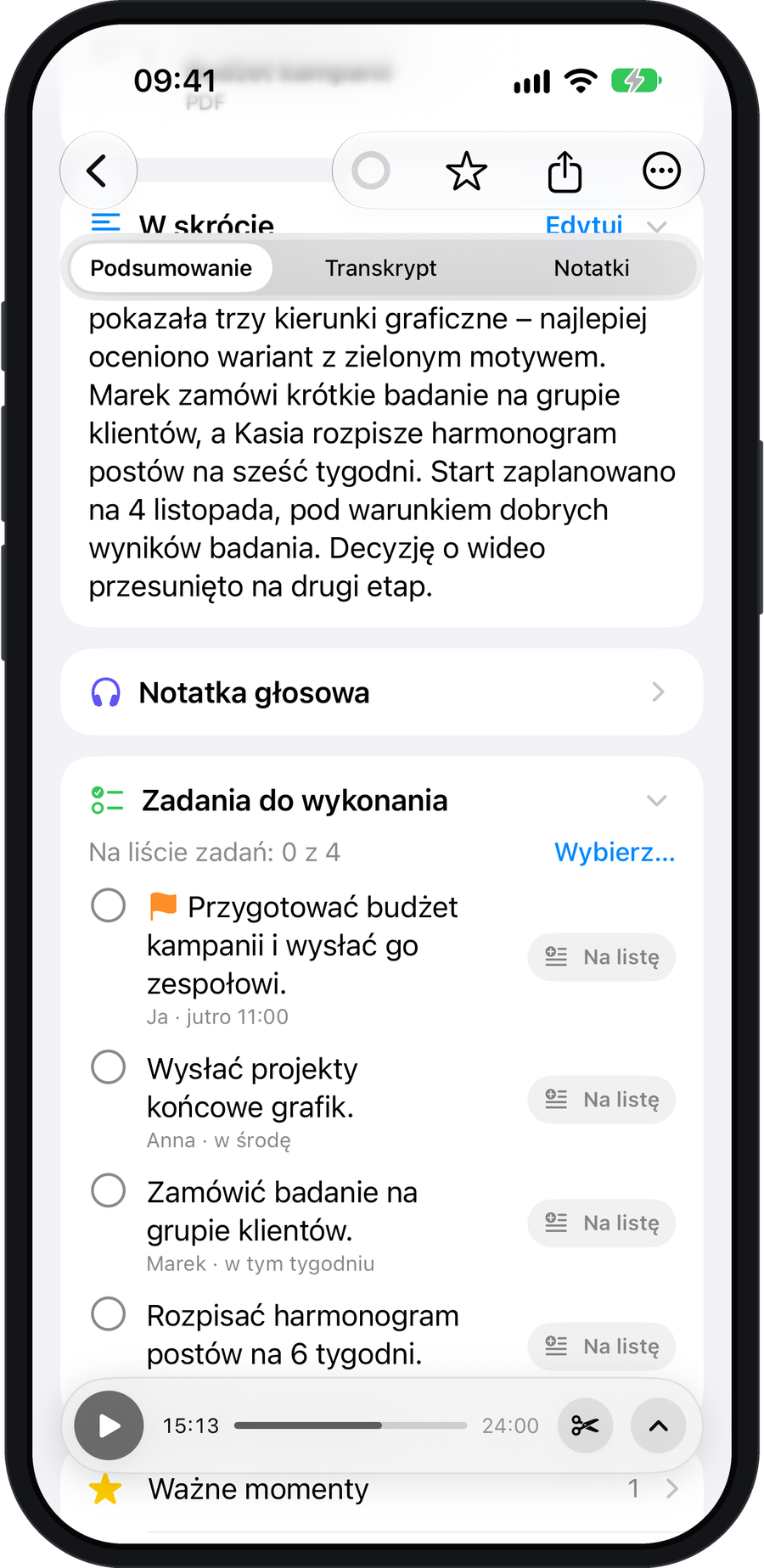
02 / GET TO THE POINTA summary, decisions and tasks. Everything in its place.
03 / ASK MENTORSpecific feedback when you ask for it. Based on your own words.
It’s interactive. Click and try it.It’s interactive. Tap and try it.Open a sample conversation
or try a short recording.Start here
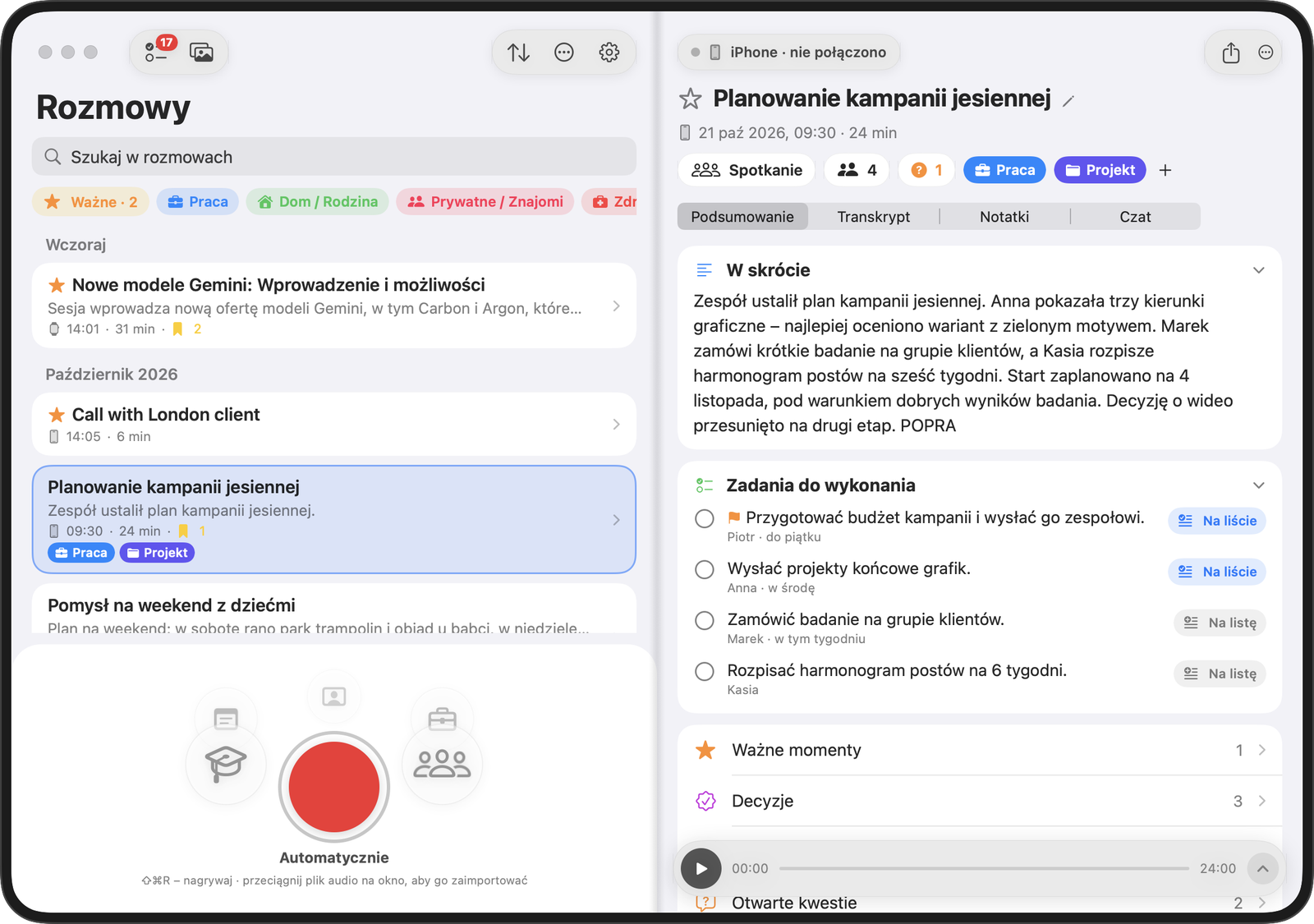
An interactive preview with a Polish interface. Explore its buttons, conversations and tabs for yourself.
A meeting, a client conversation or an English-language example.
Browse the summary, tasks, transcript and notes.
Open Mentor or Tutor in a sample conversation.
Want to try recording?Record up to 2 minutes and play it back. The microphone is only enabled with your permission. Your own recording is not processed by AI in this demo.
Tap a conversation or the red record button.
Open demo separately — new tabA simplified preview. The embedded demo is in Polish. On iPhone, klute.ai offers the full experience of the native app.
AI results in the demo come from prepared examples. Your test recording stays in browser memory and is deleted when you end the demo.
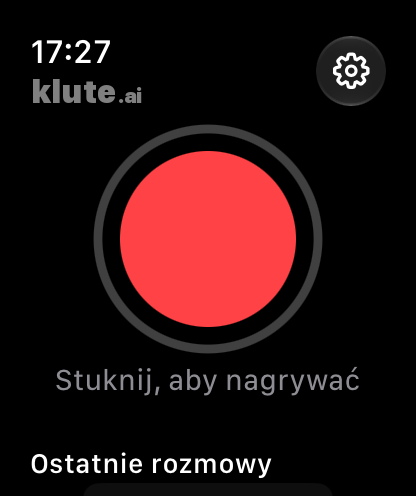
Start recording on your watch. No internet or nearby phone needed.

No need to replay everything from the start. The key decisions, responsibilities and deadlines are right in front of you.
from the conversation on 21 Oct, 10:00 · 32 min
21 October · 10:00–10:32
Agree on the scope, budget and launch date for the bakery’s online shop.
On Tuesday, Tomek will show two homepage designs.
The note is based on the conversation. You can edit it in the app before sharing.
Ask Mentor for feedback grounded in what you actually said. See what went well and what you could change.
Mentor adapts its feedback to the style of the conversation. Casual language in a private conversation is fine.
Try MentorYou choose when to receive feedback.
The design deadline came up only once, earlier in the conversation. Recapping together helps confirm who is responsible for what.
“Well, the price will depend. We’ll see how it goes.”
“For this scope, it’s PLN 14,000–18,000. I’ll confirm the exact amount in Friday’s proposal.”
A clear range sets expectations while leaving room to refine the scope.
Sample feedback · Piotr (You) · Złoty Kłos bakery.
I have been there three days ago.
I was there three days ago.
Use the Past Simple: “I was”. The Present Perfect does not go with a finished time expression such as “three days ago”.
Feedback on request. Tutor analyses text, not pronunciation. Examples translated for this page.
After a conversation in English, ask Tutor to review your words. Get grammar corrections, more natural phrases and explanations in Polish.
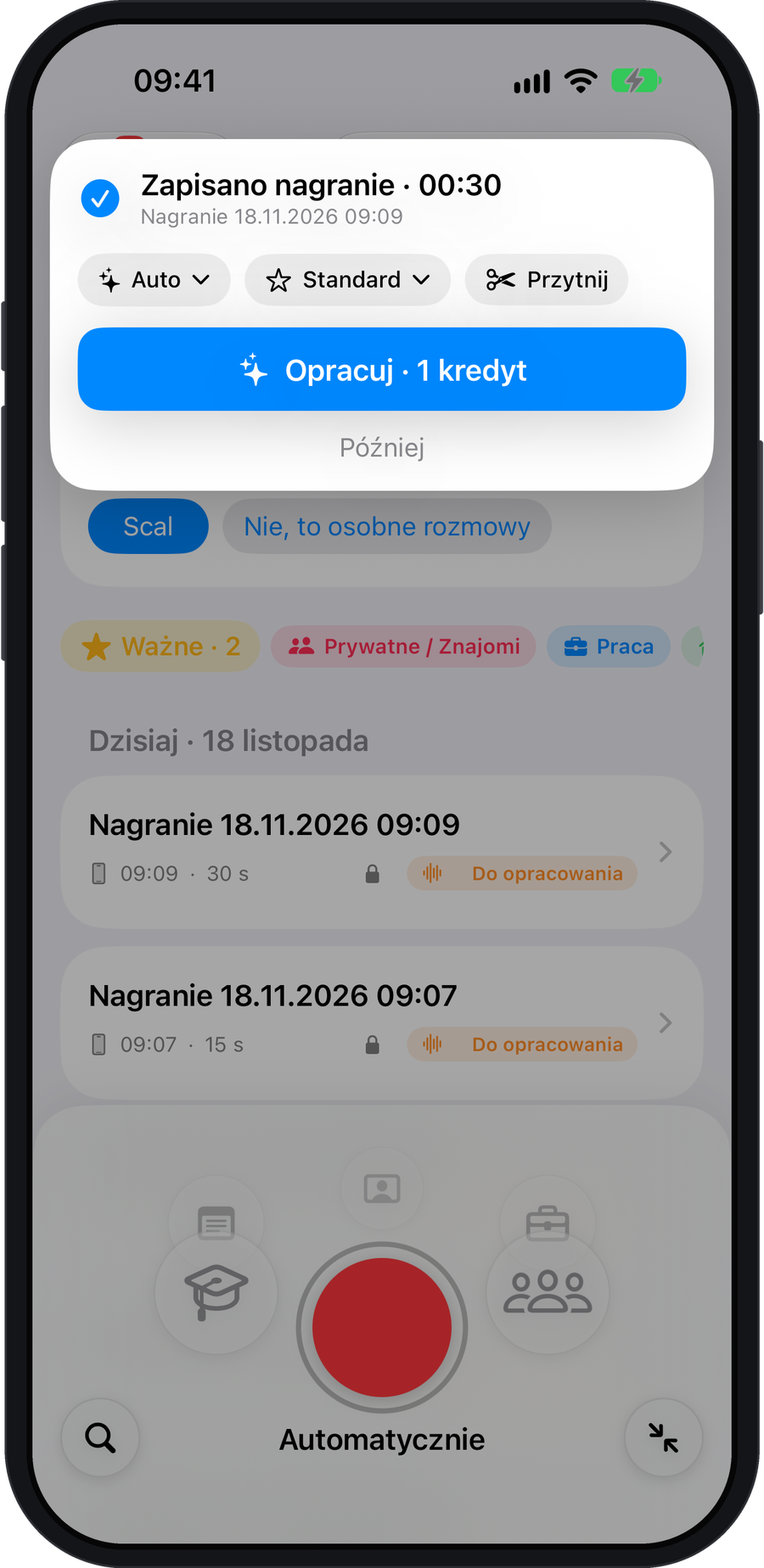
Meet the English Tutor Tutor analyses text. It does not assess pronunciation.After recording, open the Process card and choose the conversation type and Standard or Premium quality. You can trim the recording and check the cost before you send anything.
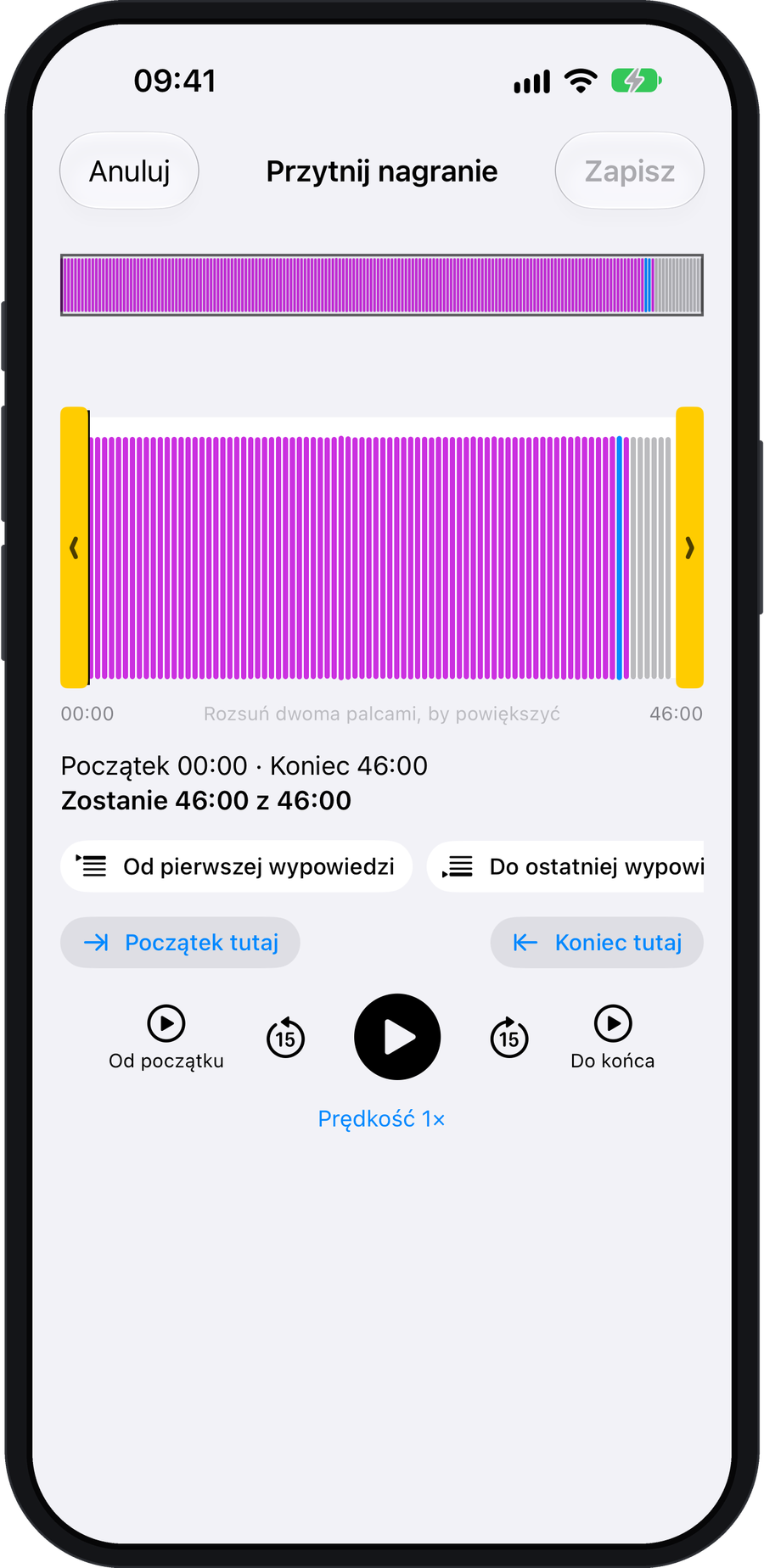
Cut from the beginning, the end or the middle. Shorter recordings use fewer credits in the cloud. The full recording is kept as a backup for 30 days.
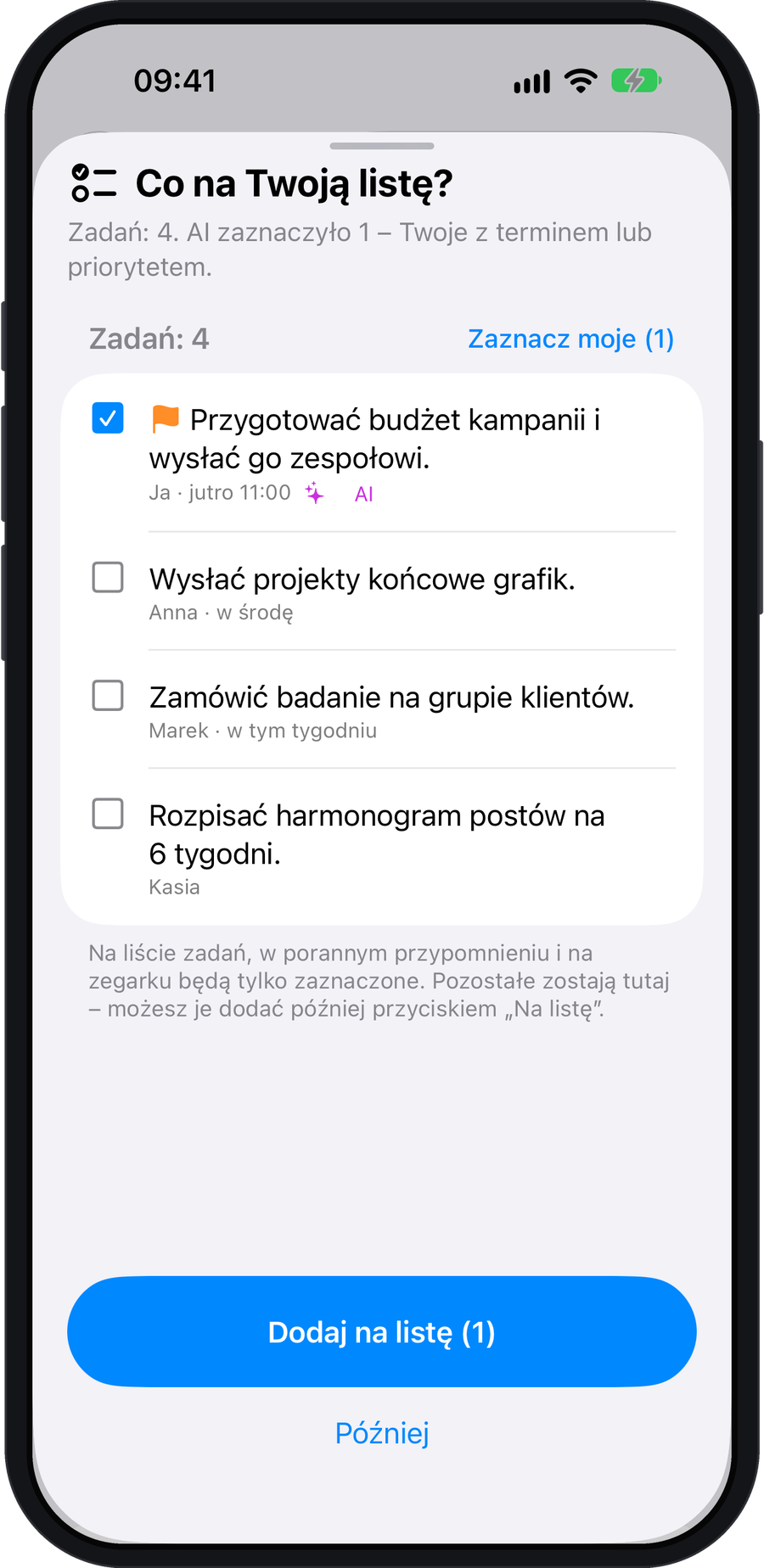
Say “Task: call Mark tomorrow at 3 pm.” The short recording goes straight onto your task list, with an Undo button. After a longer conversation, you choose which tasks to save. AI preselects your tasks that have deadlines.
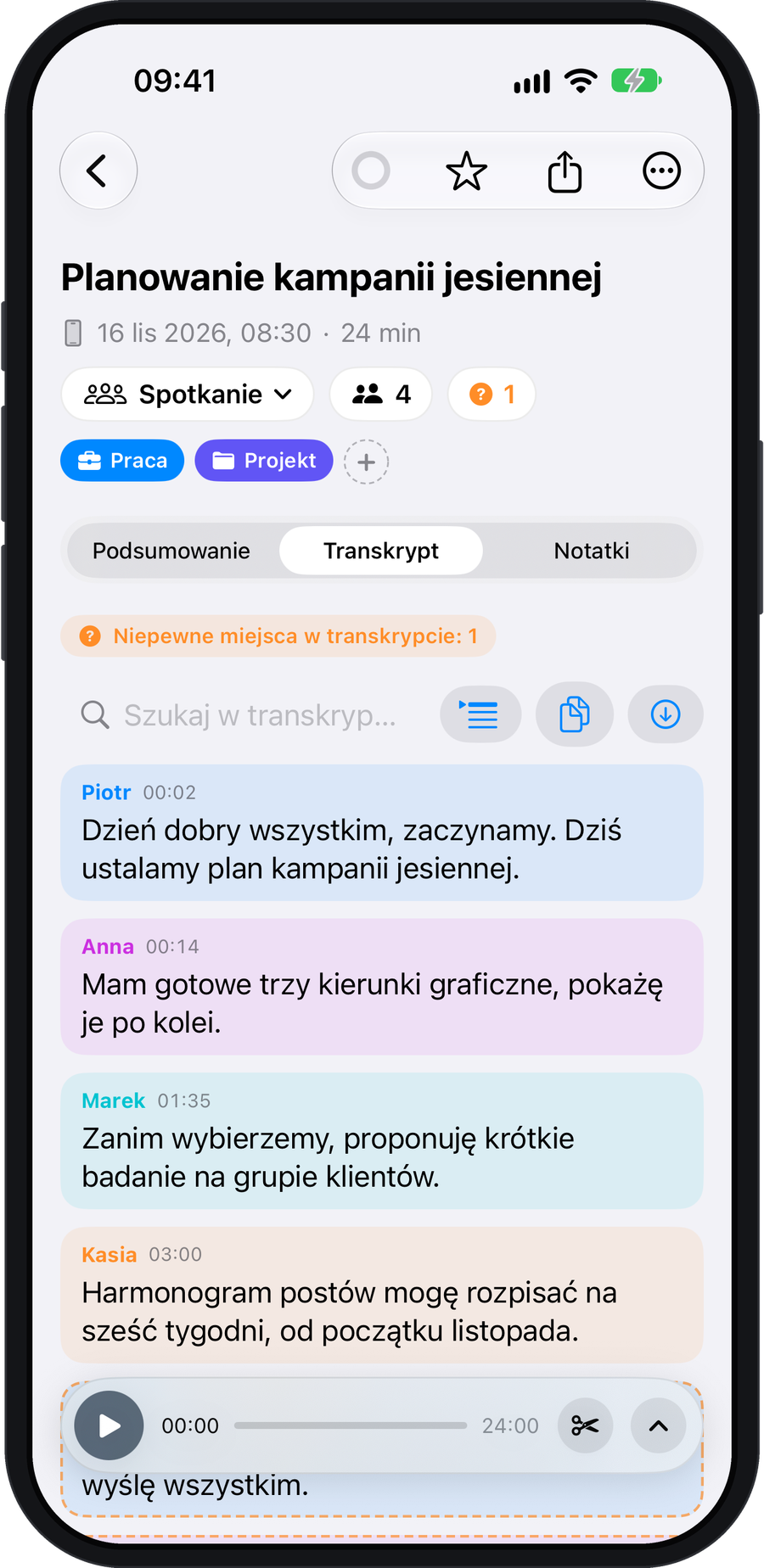
A transcript with speaker labels and timestamps.
Create meeting minutes, a project update or a follow-up email. You can also ask questions about the conversation and revisit your daily summaries.
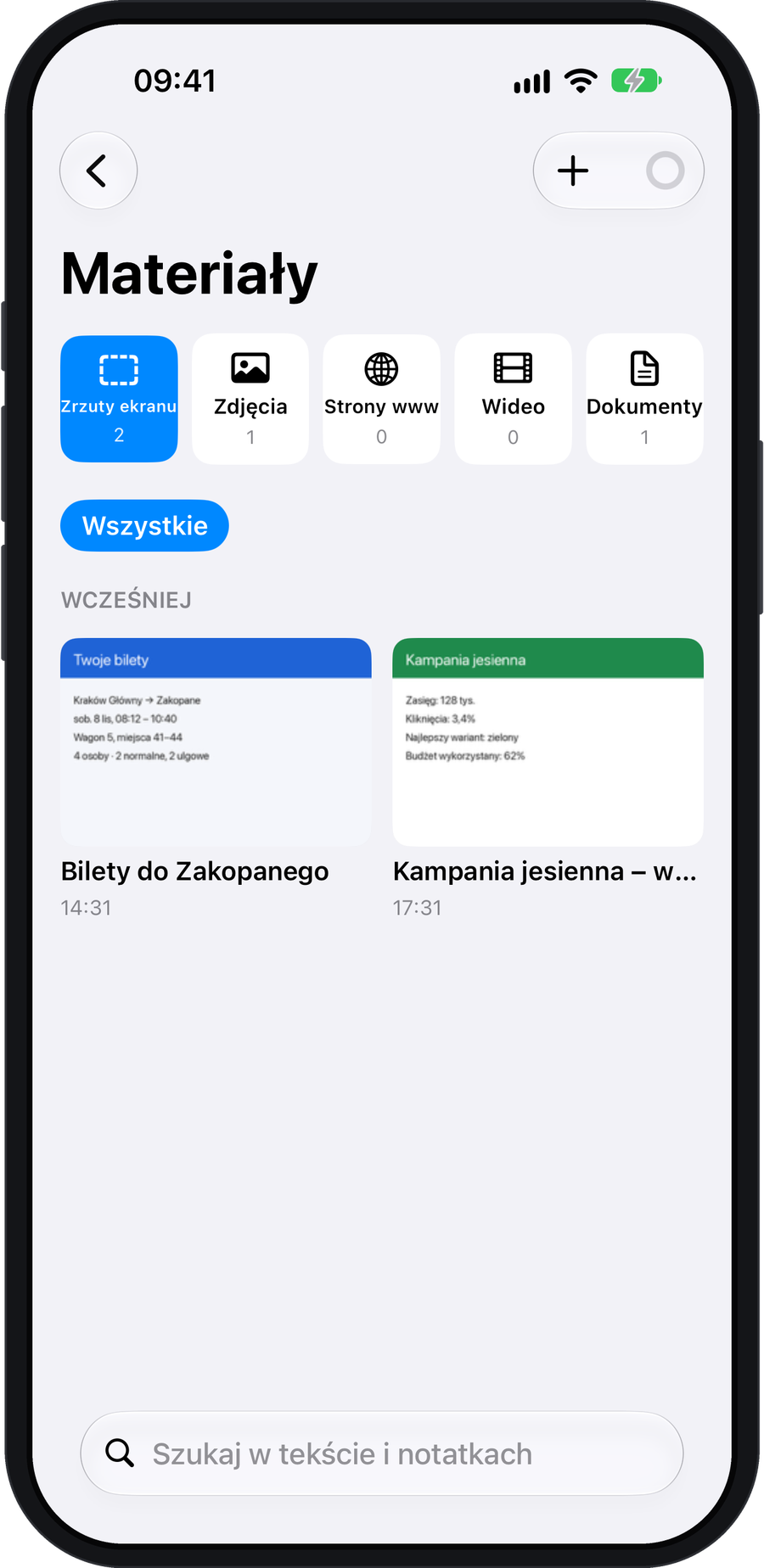
Attach screenshots, slide photos, PDFs, web pages and videos. Text in images is recognised on your phone.
Keep track of important facts and dates about people you talk to. You choose what goes into the directory by tapping Save. Before your next conversation, open the Before the meeting brief.
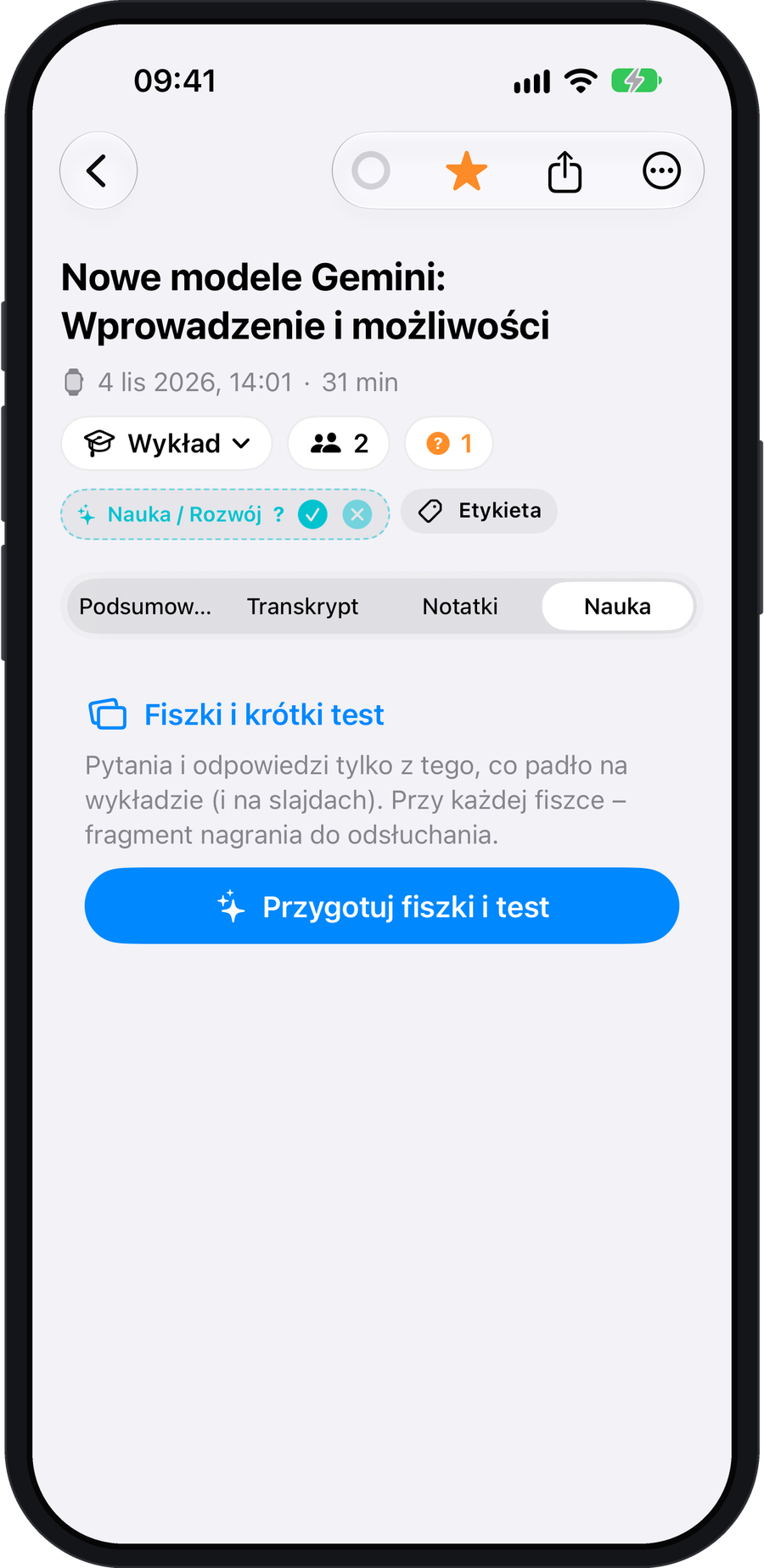
Turn a lecture recording into flashcards and a short quiz. Each question comes with a quote so you can go back to the relevant part of the lecture.
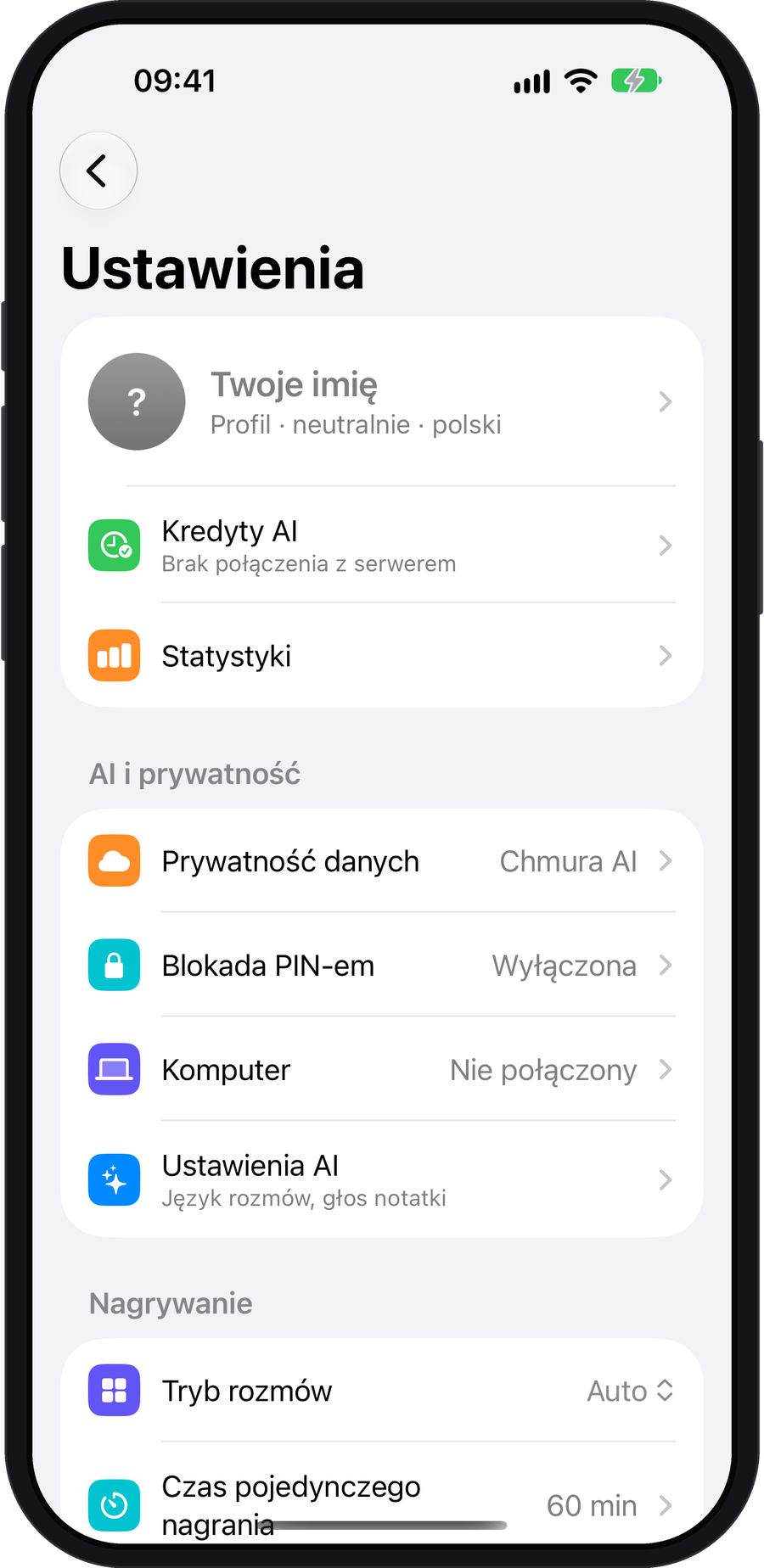
Choose a mode in Settings → Data Privacy. A badge on each conversation shows where it was processed.
Transcription happens on your phone. The recording and text stay on the device. Summaries are simpler.
Free of chargeYour Mac processes the recording with its AI module. When you’re away from home, your recordings wait until you get back.
Free of chargeBest quality and speed. Your conversation is processed only by providers who don’t retain your data.
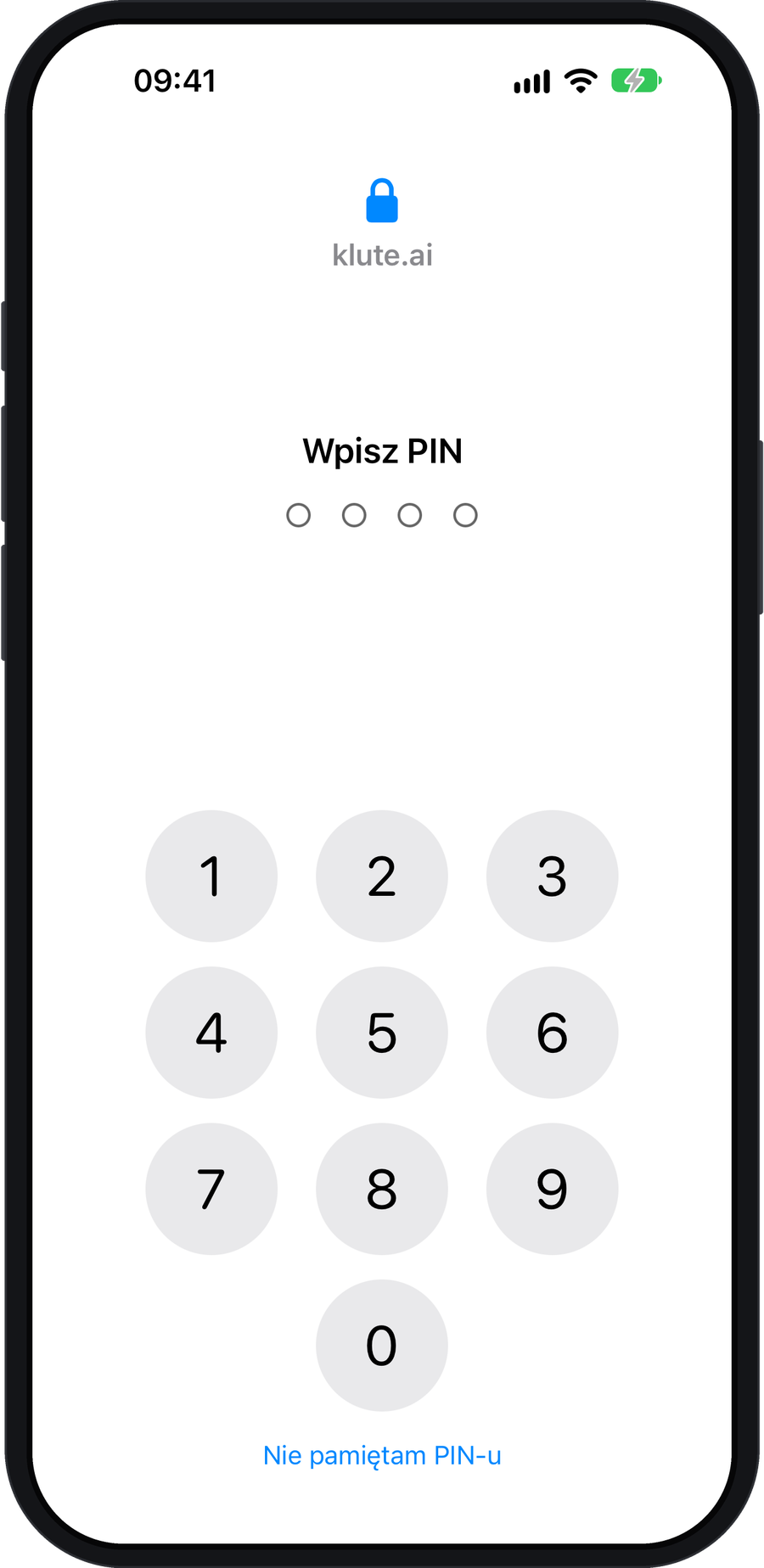
AI CreditsRecording works offline. An AI error never deletes your recording. The app has no ads or analytics. Lock it with a PIN or Face ID.
1 AI Credit covers 1 minute of cloud processing, including a transcript, summary, tasks and suggestions for your People directory.
Valid for 7 days.
Credits expire at renewal.
No expiry date.
Standard and Premium include the same features. Your iPhone and Mac share an account and credit balance.
iPhone only and My devices use no credits.
Mentor, Tutor, flashcards, notes and follow-up chat questions show the cost before you start.
Plans will be available after the App Store launch. Local App Store prices apply in other countries.
No. An iPhone is enough. You can also record on an Apple Watch or Mac.
Yes. Recording works offline. Process the conversation on your iPhone or later on your Mac. Only AI Cloud requires internet access. How to set up the app →
Yes. Your watch saves the recording and transfers it to your iPhone later. More about syncing →
No. The first review is created only when you ask for it by opening Mentor. The other person only receives it if you choose to share it.
Try the demo, then open the getting started guide. Allow microphone access, enter your name in Settings → Your Name and choose a mode in Data Privacy. Getting started →
No. A Mac is optional. It gives you a larger screen, recording for online meetings and free processing at home. More about Mac →
Recording and processing on your own devices are free. In the cloud, one minute of audio uses 1 AI Credit. You start with 60 free credits valid for 7 days. See pricing →
WHAT MATTERS IS HAPPENING NOW.

App screen · sample data

App screen · sample data

App screen · sample data

App screen · sample data

App screen · sample data

App screen · sample data

App screen · sample data

App screen · sample data

App screen · sample data

App screen · sample data

App screen · sample data