Trim before processing
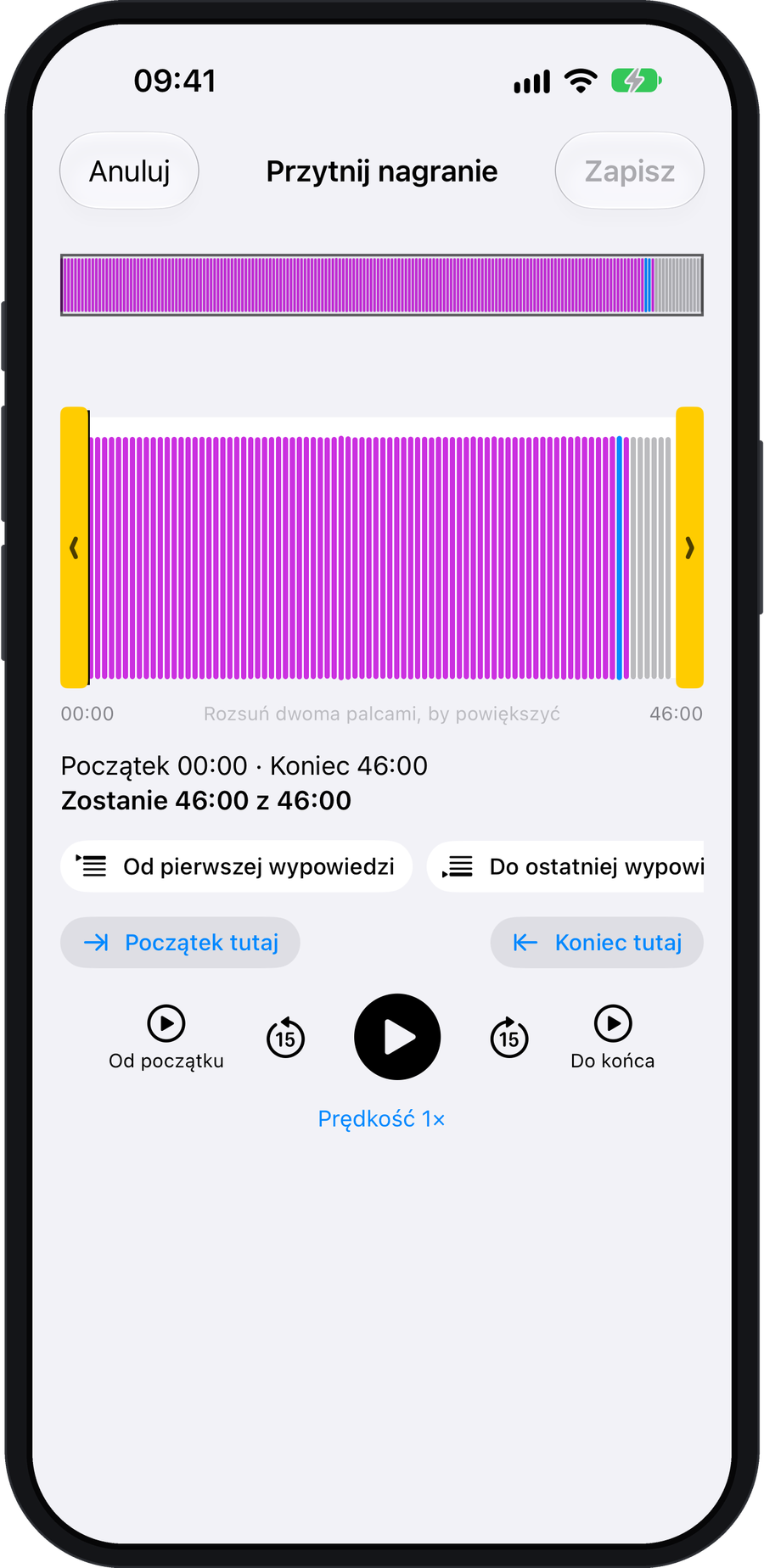
Open Trim on the Process card. Remove silence at the start or end, or cut a section from the middle. Check the new duration and cost before sending. Shorter recordings use fewer credits in AI Cloud.
A copy of the complete recording is kept for 30 days.
Join parts of a conversation
When two recent recordings are no more than two minutes apart, the app may suggest “Merge these conversations?”.
You can also do this manually: on the home screen, choose “…” → “Select multiple conversations” → “Merge”. In the same menu, “Audio” saves the selected files to a folder of your choice.
Import audio
On the home screen, choose … → Import audio file. You can also share a file from another app and select klute.ai.
Share a result
The share arrow at the top of a conversation gives access to text, Markdown and the audio file. Notes have additional export formats, described in the notes article.
Delete only the audio
To keep the results but remove the sound, choose “…” → “Delete” → “Delete audio only”. The text and summary remain. Deleting the whole conversation is a separate option.