The essentials at the top
Open a processed conversation from your list. Its heading shows the title, date and duration. A badge indicates where the conversation was processed.
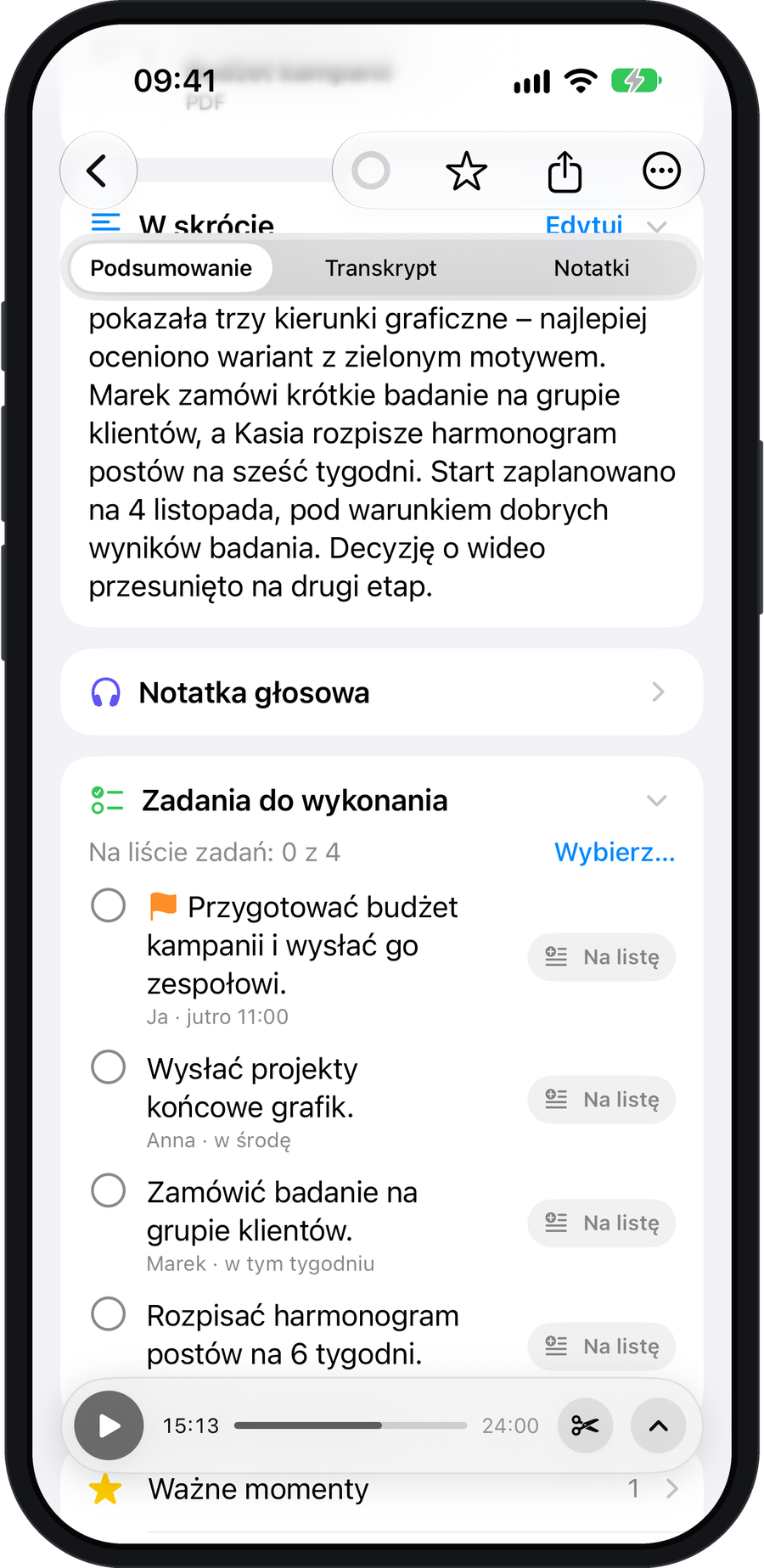
The “Summary” tab starts with “At a glance” and tasks. Below are expandable rows for important moments, decisions, key points and open questions. The number beside each row shows how many items it contains.
Return to a specific moment
The slim player bar lets you listen to the conversation. Expand it for more controls, including 15-second skipping and playback speed. Important moments marked during recording have timestamps.
Edit the result or change the conversation type
Choose the conversation type on the Process card after recording. You can edit the finished summary by expanding its sections.
In AI Cloud you see the cost before you start. The iPhone only and My devices modes do not use credits.
Take the next step
From the same view, open the transcript, create a note, ask about the conversation or request a Mentor review. Check AI results, especially when decisions or deadlines matter.