Data privacy
Open Settings → Data Privacy and choose where the app should process your conversations.
- 🔒 iPhone only. Your phone creates a transcript and a simpler summary. Everything stays on the device. This mode is free.
- 🏠 My devices. Your Mac processes the conversation using its AI module. When you’re away, the recording waits until you return to your home Wi-Fi network. This mode is free.
- ☁️ AI Cloud. The recording is sent to an external service for processing. The app only uses providers that do not retain data. This mode offers the best quality and speed and uses AI Credits.
Each processed conversation has a badge. A lock means iPhone, a house means Mac and a cloud means AI Cloud.
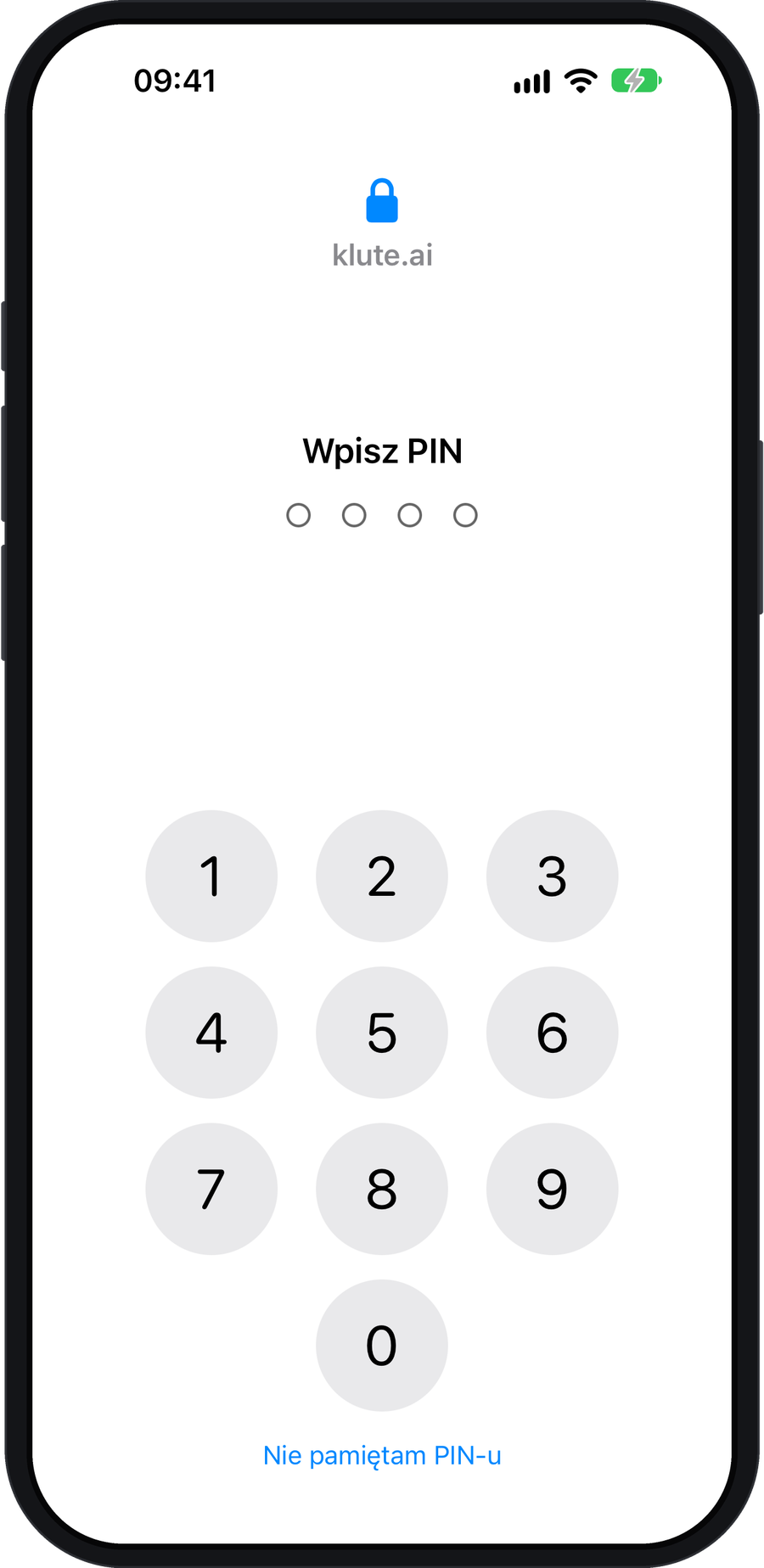
Access to the app
In Settings → PIN lock, you can protect the app with a PIN or Face ID.
Recording and storage
Recording works offline. An AI error never deletes your recording. klute.ai is free of ads and analytics.
Let everyone know before recording. This applies to recording on your watch and to online meetings on your Mac too.
Feedback and coaching
You decide when to ask Mentor for feedback. Tutor analyses the text of your own contributions and skips other speakers.