Conversations side by side
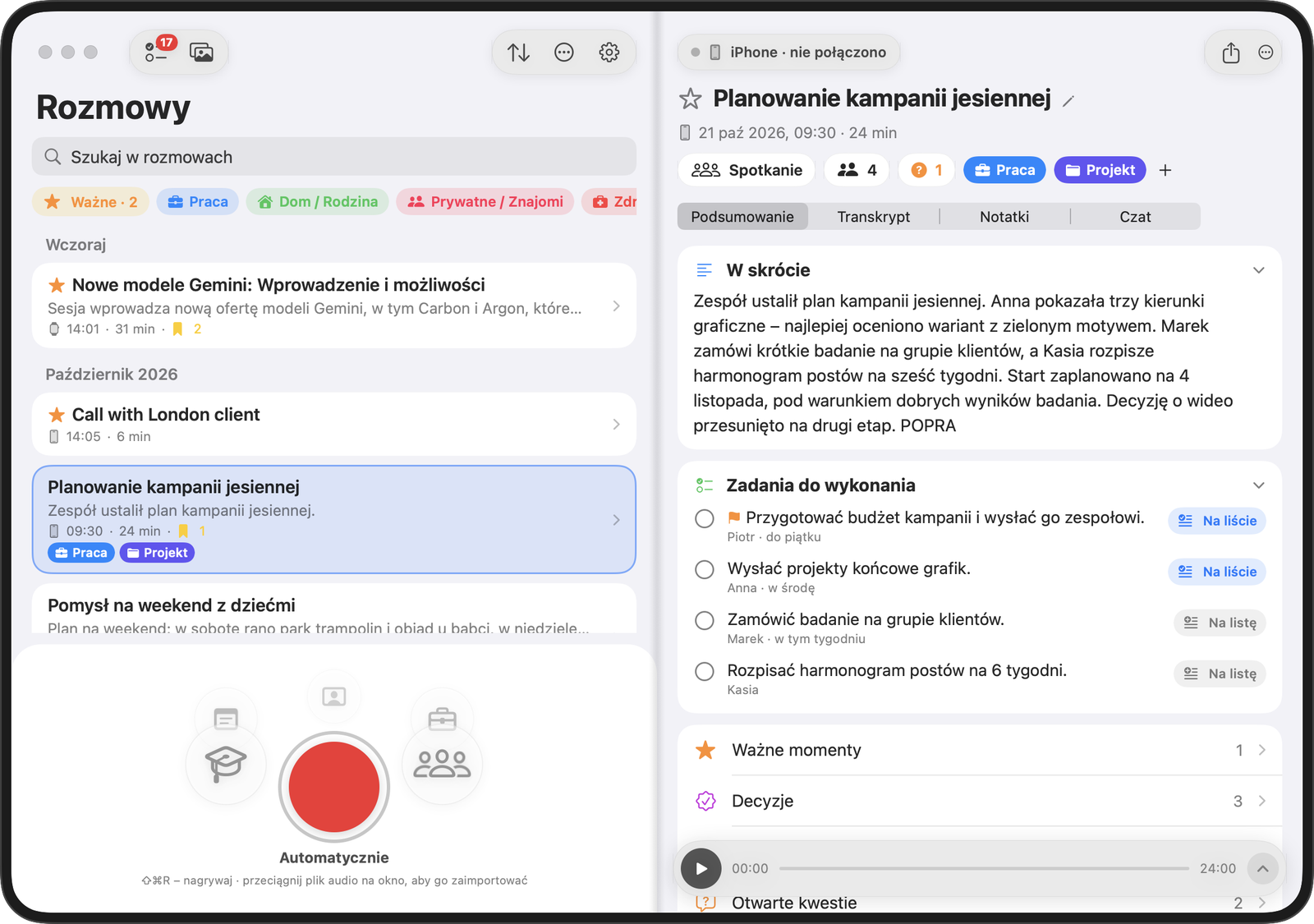
The Mac window opens up the iPhone layout. Pick a conversation from the list on the left and read its summary, tasks or transcript on the right. You can use the app on your Mac independently, even without an iPhone. Deleted conversations stay in the Trash for 30 days.
Pair an iPhone with your Mac
- Connect your iPhone and Mac to the same Wi-Fi network.
- On your iPhone, go to Settings → Computer and pair the devices using the six-digit code.
Sync uses your home Wi-Fi network and transfers are encrypted. Both devices share an account and AI Credit balance.
Record online meetings
Press ⇧⌘R or start recording from the menu bar. During a Zoom, Teams or Meet meeting, klute.ai records your microphone and the other participants’ voices.
When the app detects a meeting, it asks whether you want to record it. It never starts recording on its own.
The AI module on Mac
A Mac with the AI module can create transcripts and summaries locally, without cloud processing or charges. To process iPhone recordings on your Mac, choose Settings → Data Privacy → My devices on your phone. While you are away, recordings wait until you return home.