Set up your iPhone
- Allow microphone access when you make your first recording.
- Enter your name under Settings → Your name. You can later mark your own contributions as “That’s me”.
- Under Settings → Data Privacy, choose iPhone only, My devices or AI Cloud.
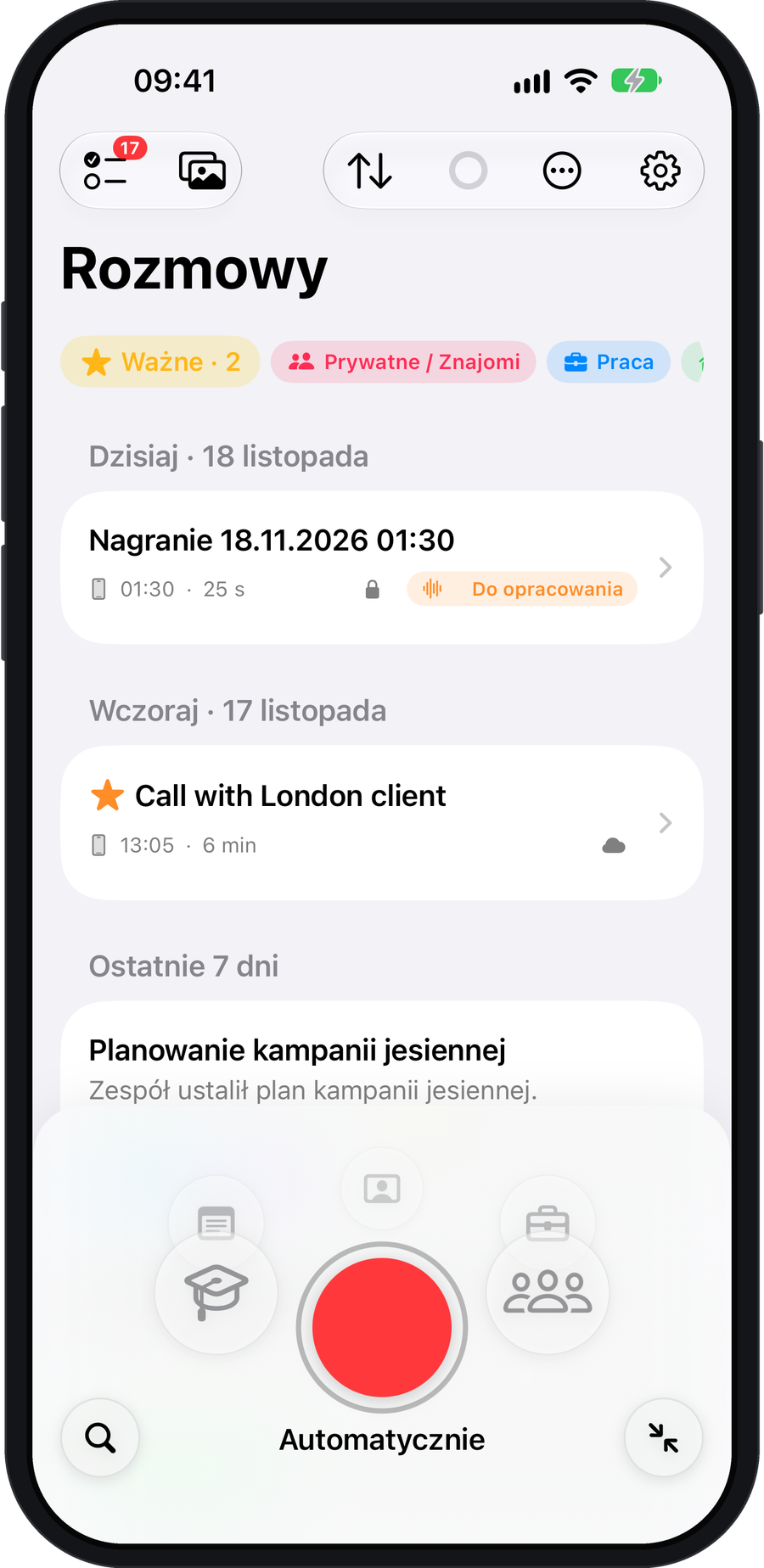
Record your first conversation
- Let people know you’re recording. Tap the red button on the Conversations screen.
- During the conversation, use Important to mark a moment. Tap Stop when you’re finished. Recording also works offline.
Process it now or later
After recording, the Process card lets you choose the conversation type and quality, trim the audio and check the cost. Choose Process or Later. You can return to the saved recording from the conversations list.
Once the summary is ready, you can read the decisions, choose tasks for your list or ask Mentor for feedback.