Ask about this conversation
At the end of the summary, expand “Ask about this conversation”. The chat uses that conversation’s content, and its answers include timestamps.
You can use suggested questions: “What did I promise to do?”, “Who is responsible for what?” or “Write a summary email”. Below the answer are “Copy”, “Share” and “Add to tasks”.
You will see the cost of each follow-up question before sending it.
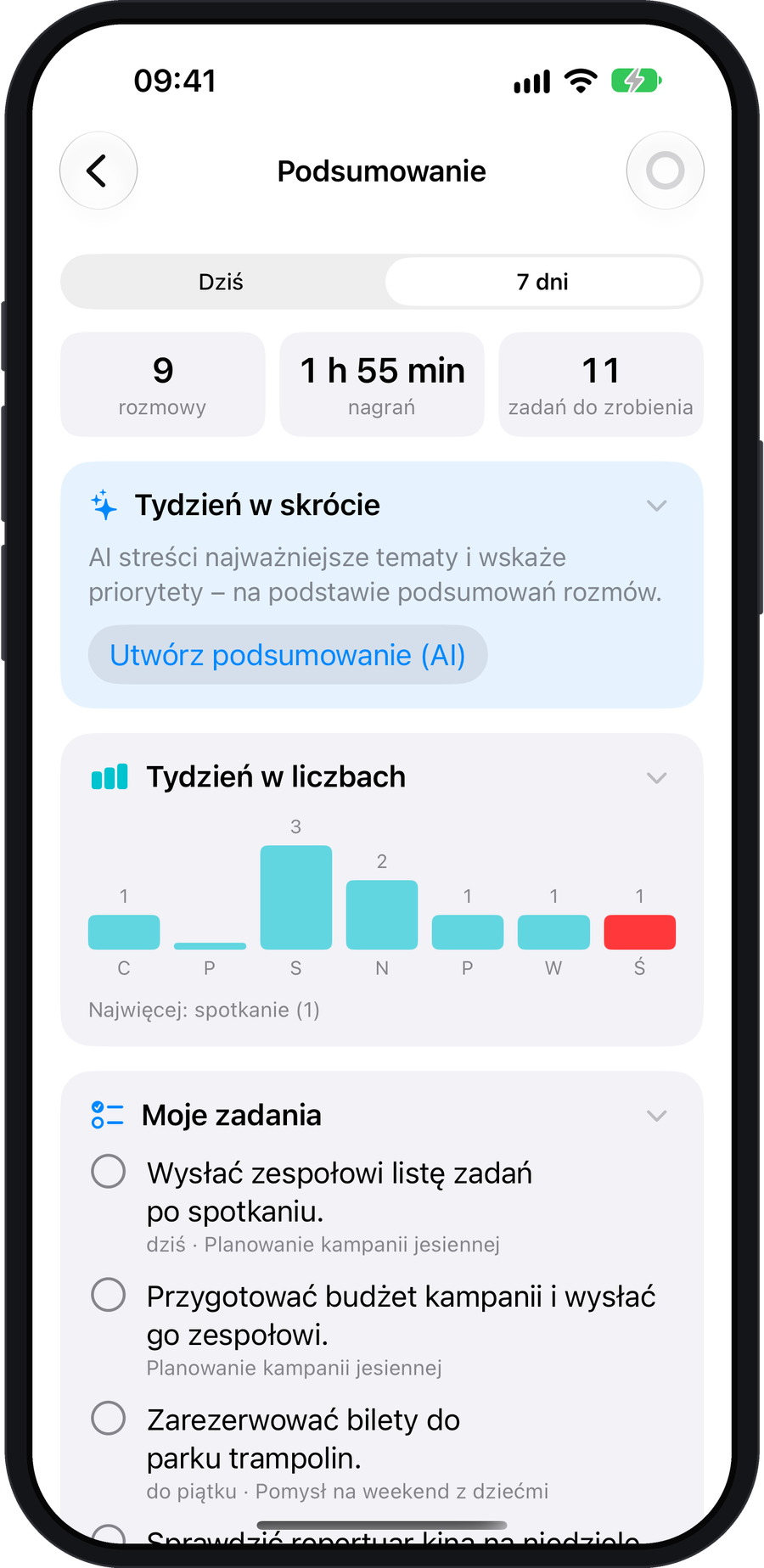
Today or 7 days
Open “Settings” → “Statistics” and select “Today” or “7 days”. You’ll see conversation counts, recording minutes and tasks. “My tasks” and “Waiting for others” help clarify responsibilities.
“Create summary (AI)” generates a short overview and priorities. The day and week views do not require the experimental all-day recording mode; these are separate features.
Study after a lecture
Create flashcards or a short quiz from a processed lecture. Each question includes a quote from the recording so you can check the source. The cloud cost of generating flashcards is shown before you begin.