My tasks
Choose “My tasks” at the bottom of the home screen. You’ll see open tasks from all conversations, including your own tasks added on iPhone, with deadlines and priority markers.
Tapping the circle marks a task as done on your iPhone too.
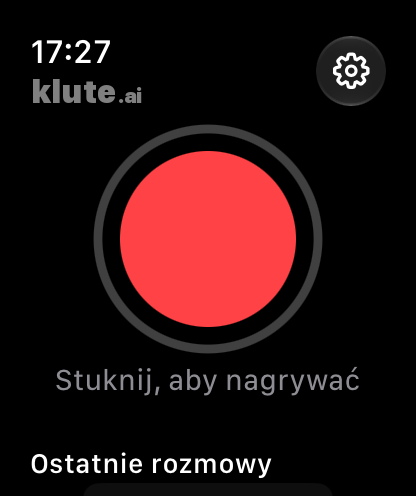
Your five most recent conversations
Once the recording has been processed, open Recent conversations on the watch. You will see your five latest conversations.
- Summary: “At a glance”, tasks and decisions.
- Transcript: the full text to read on your wrist.
- Mentor: one tip for next time and your tasks, if you have already requested a review.
Mentor does not automatically review every conversation. Request the first review in the conversation on your iPhone.